

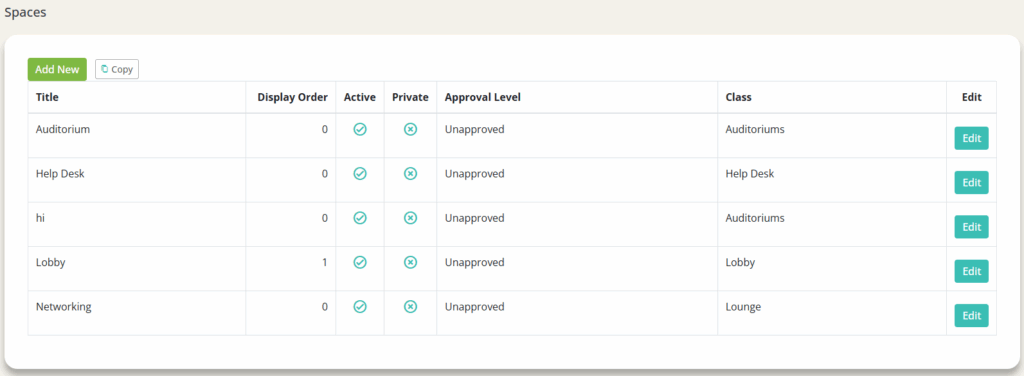
1. Click into a space (ex. ‘Auditorium’ or ‘Help Desk’)
2. Click the ‘Content’ option on the top navigation bar

3. Under ‘Space Content’ click ‘Add New’

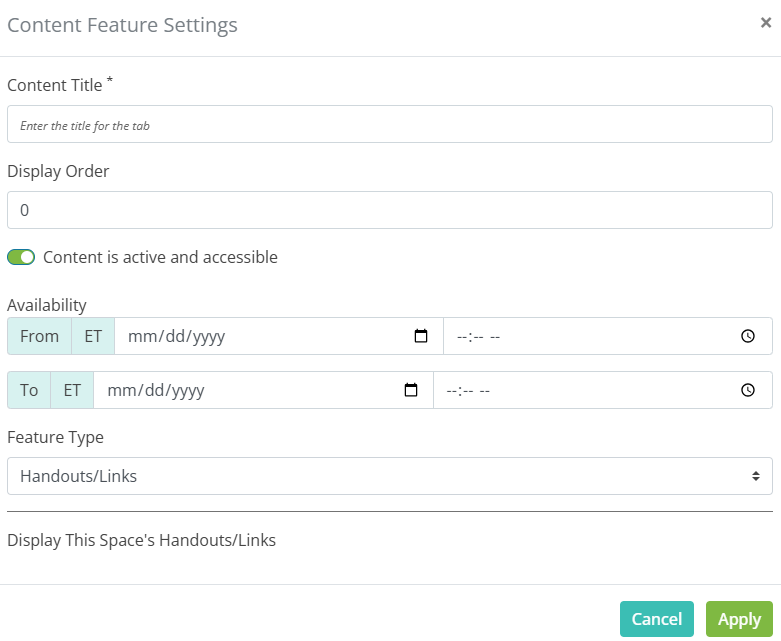
4. Fill out the Content Features Settings
- Content Title*
- Display Order
- Availability (If nothing is set here, it is always available)
- Feature Type
Hint: This is where you can add in chats, Speed Networking Rooms, HTML content, etc.
5. Click ‘Apply’