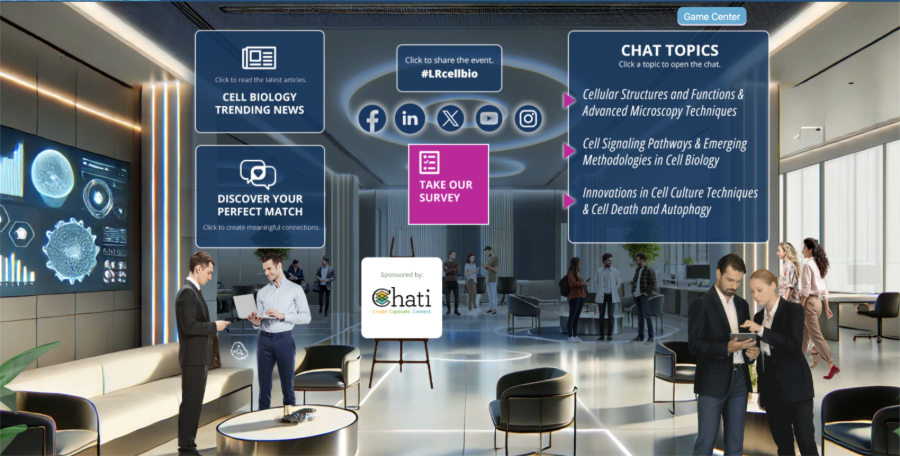
Branding Your Event Learn how to personalize your event with custom logos, colors, graphics, and other branding elements to create a cohesive and professional look.
Popular Articles:
Explore This Topic
Setting Up Webcasts Learn how to configure and manage webcasts, including stream settings, presenter tools, and scheduling live or on-demand sessions.
Popular Articles:
Explore This Topic
Event Sponsors Add and manage event sponsors, configure sponsor visibility, and access reporting to track sponsor engagement and clicks.
Popular Articles:
Explore This Topic
Exhibitor Booths Set up and customize virtual exhibitor booths, assign booth types, and give exhibitors the tools they need to engage with attendees.
Popular Articles:
Explore This Topic
Adding Posters Add and manage poster sessions in your event, including uploading content, assigning staff, and attaching handouts.
Popular Articles:
Explore This Topic
Event Messaging Send announcements, schedule email campaigns, and manage communication templates to keep attendees informed and engaged.
Popular Articles:
Explore This Topic
Metrics and Reporting Access detailed analytics and reports on attendee behavior, engagement, and event performance to measure success and make data-driven decisions.
Popular Articles:
Explore This Topic
Account Settings Manage your Chati account details, update user information, adjust preferences, and configure security settings to ensure a seamless experience.
Popular Articles:
Explore This Topic
Tools Access additional tools available within your events, including speed networking setup and other features to enhance the attendee experience.
Popular Articles:
Explore This Topic
API Integrations Connect Chati with third-party platforms and services using our API, enabling seamless importing of attendee data and registrations.
Popular Articles:
Explore This Topic