

1. Click ‘Posters’ on Event Settings Panel
2. Click the 'Advanced Settings’ option on the top navigation bar
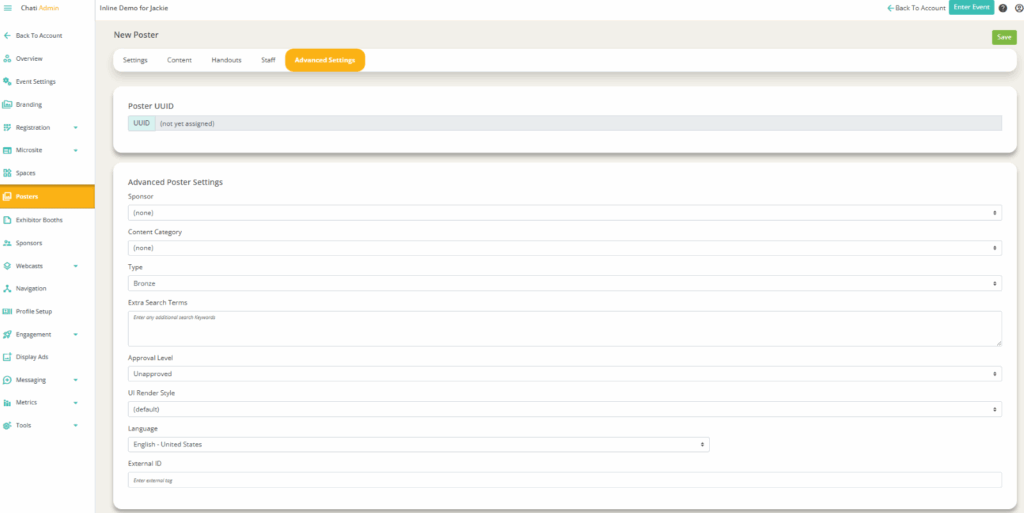
3. Set the following:
- Sponsor
- Content Category
- Type
- Extra Search Terms (if you want to improve the search functionality within the event)
- Poster Availability Dates
4. Click ‘Save’