

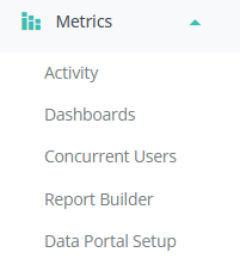
1. Click ‘Metrics’ on the Event Settings Panel.
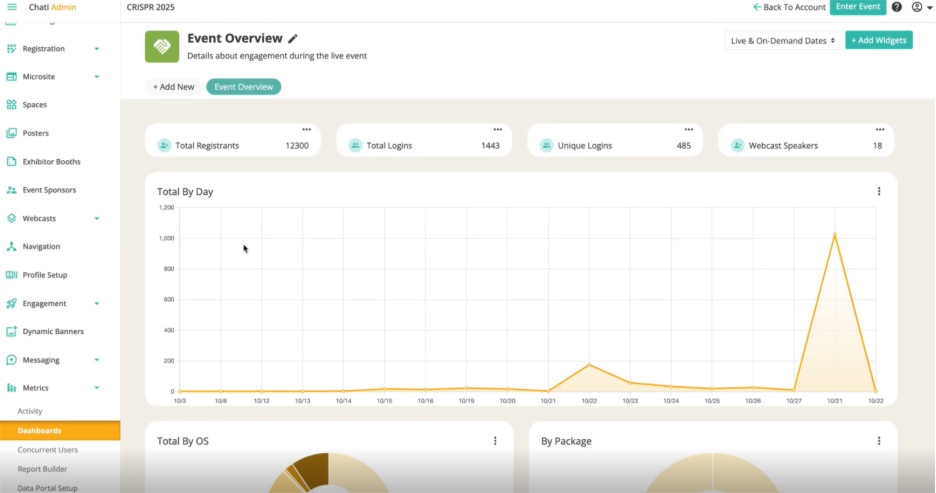
2. Once you have a dashboard created or existing, click ‘+Add Widgets’ in upper righthand corner
3. Filter widgets by different categories, and decide which you would like added to the dashboard. Drag and drop to add widgets.
*Ex. Attendance, Communication, etc.
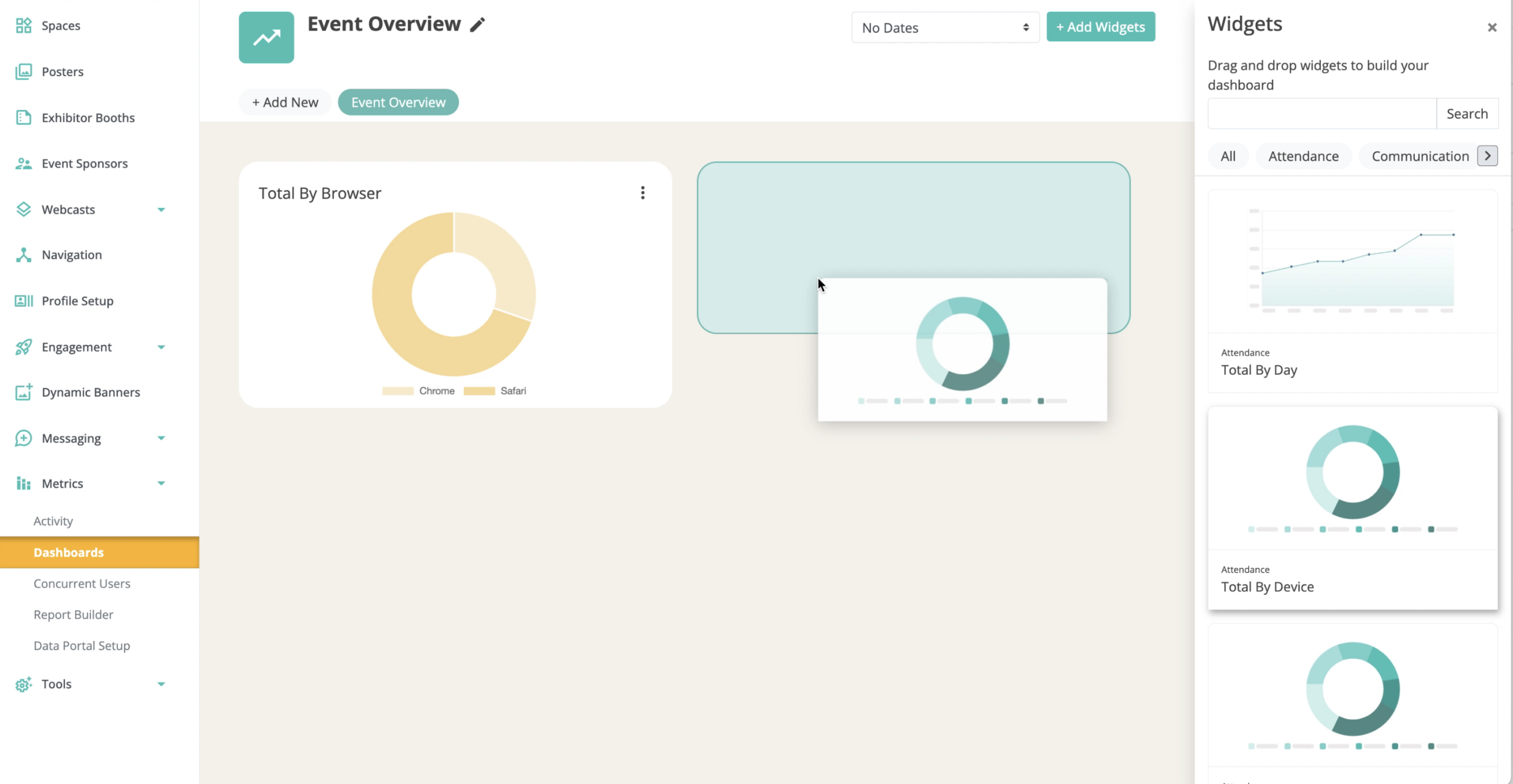
4. Once selected, the metrics will display in a graph that is predetermined based on the selected data
5. ‘Overview’ widgets are added across the top of the screen. To edit, click the three buttons on the right of the widget.
- ex. Total Registrants, Total Logins, Unique Logins, Webcast Speakers.
- You can have up to four data points displayed on top, and they can be rearranged
6. To rearrange widgets, hover over the widget, click the 6 dot icon in the upper right corner, hold, and drag to the desired location.
7. Click ‘Save’