

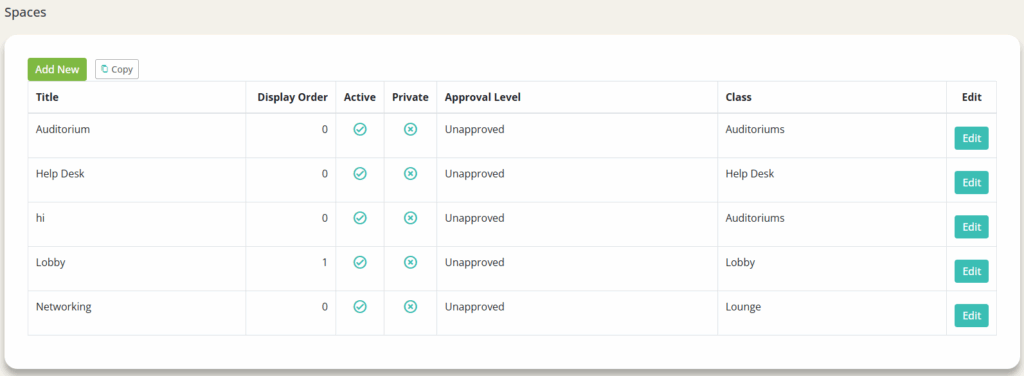
1. Click into a space (ex. ‘Auditorium’ or ‘Help Desk’)
2. Click the 'Advanced Settings’ option on the top navigation bar

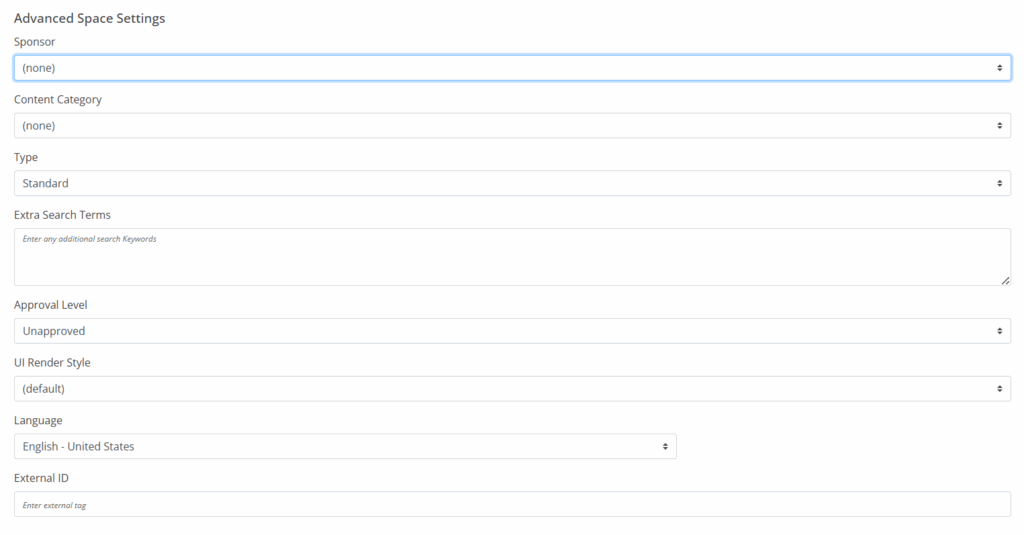
3. Set the following:
- Sponsor: Set for a space
- Beneficial to set for reporting
- Type: Tied into entitlement and restrictions
- Approval Level: For internal reference
- Language
4. Set the Space Availability Dates (the dates that set when someone can or cannot access the event space)

5. Click ‘Save’