

1. Click the 'Messaging’ dropdown on Event Settings Panel, then ‘Emails’
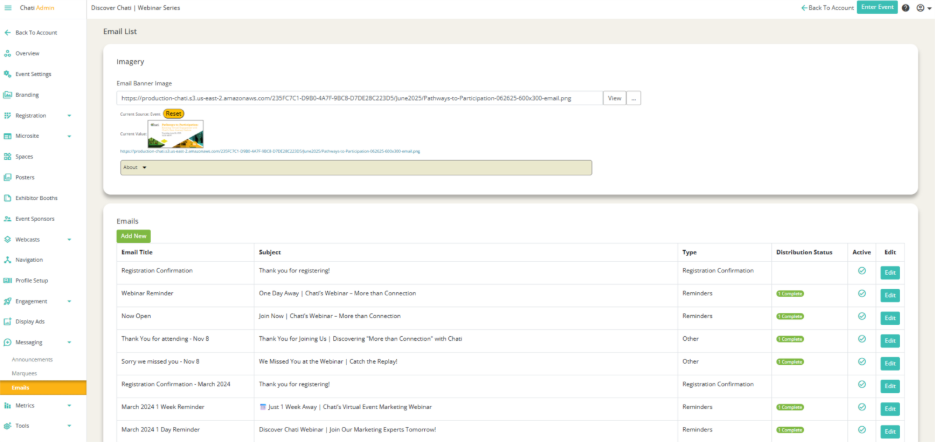
2. Click into an already existing email that you created.
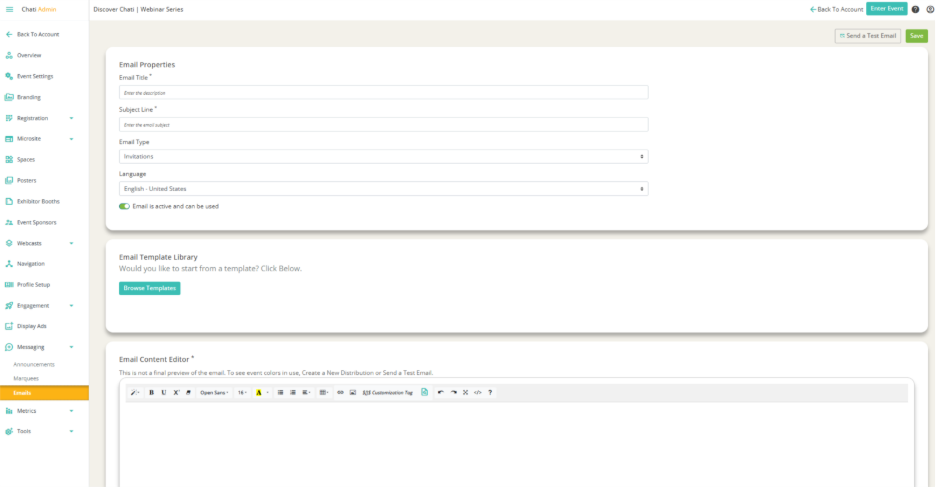
3. Click ‘Send a Test Email’ in the upper right hand corner.
4. Click ‘Select User’ to pick users in the system who will receive the test email (can search by name).
5. Click ‘Send’